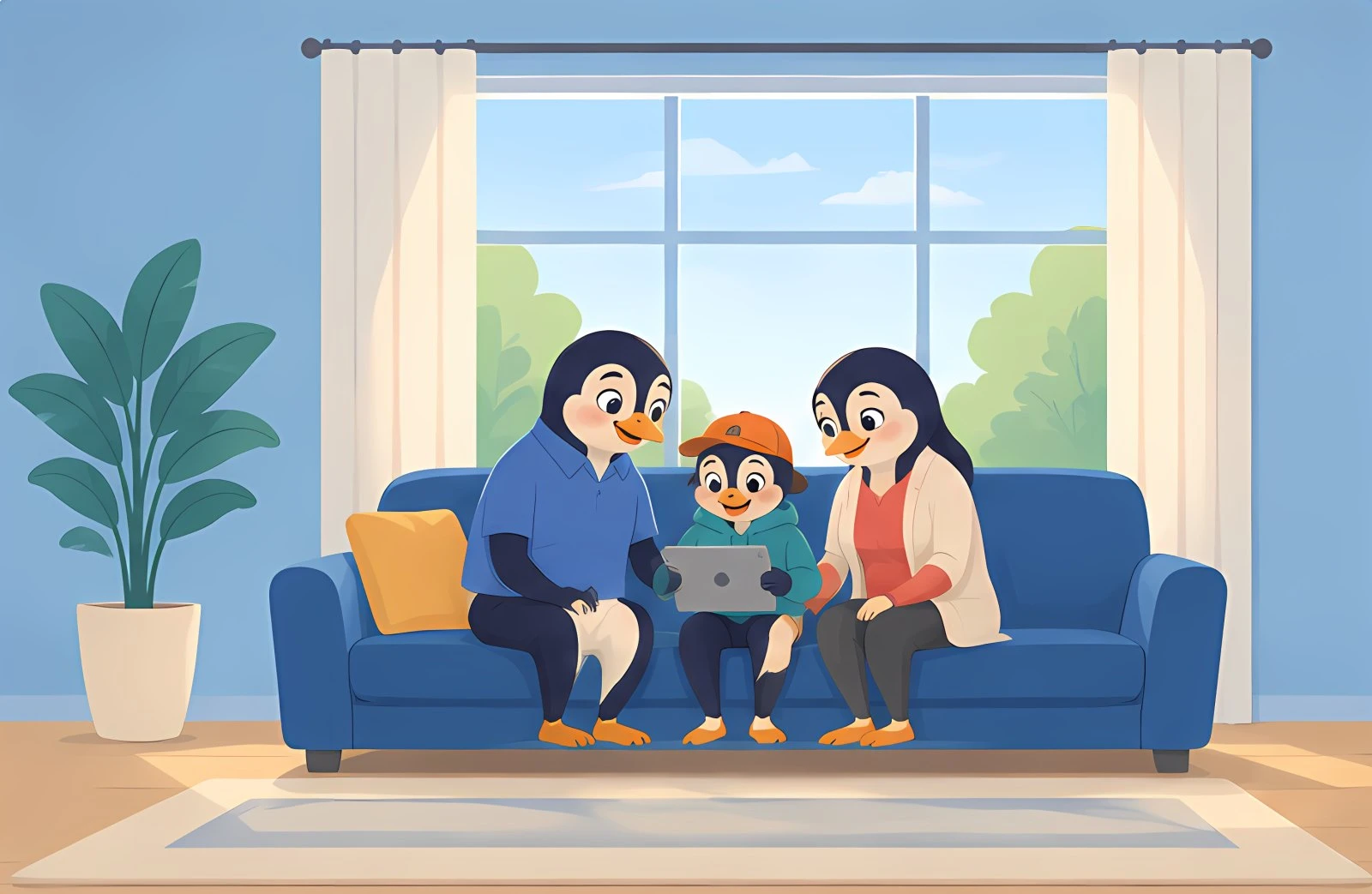

Only videos you have approved.
Your child asks, you decide. With Wavi, kids watch what you are happy with, and screen time stops by itself. No ads and no endless scrolling.
Then €5.99 a month or €49 a year. Cancel any time.

You decide
You approve every new video or channel yourself. From your phone, tablet or computer.
Calm screen time
Set how long and until when for each child. Wavi stops by itself, no arguments.
No ads
No adverts and no algorithm tempting your child to keep watching.


Your child asks, you decide
Does your child see something fun? They tap “Can I watch this?”. You get a notification and answer in seconds.
- Approve one video or a whole channel at once
- Answer from the notification, without opening the app
- Both parents see the request; whoever answers first decides
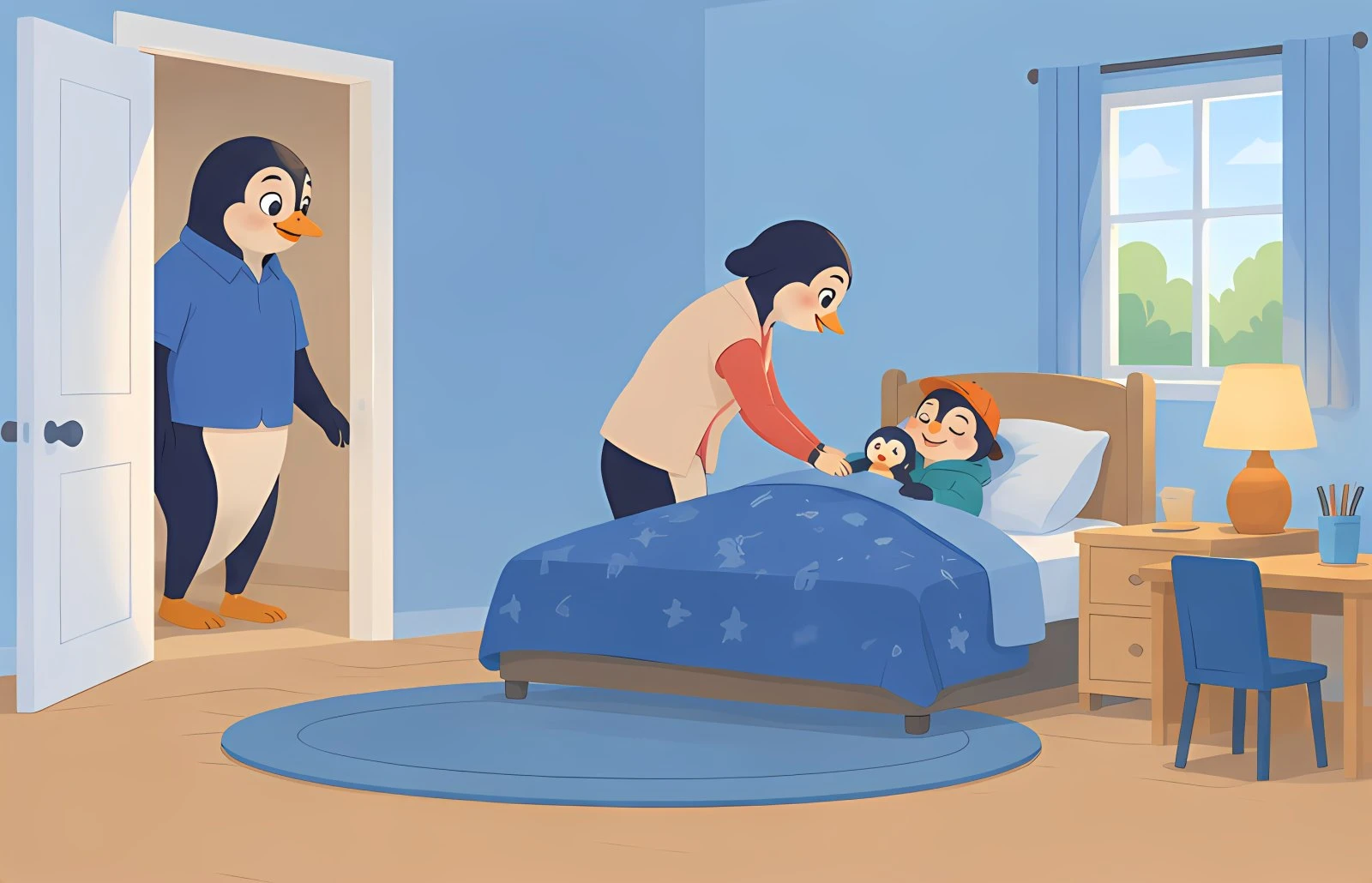

Screen time that stops by itself
Choose how many minutes a day and until when for each child. Nothing starts automatically after a video. When time is up, Wavi says so kindly.
- Daily limit per child
- Bedtime on all devices at once
- Overview of what has been watched

 Mum says yes!Why is the sea salty?
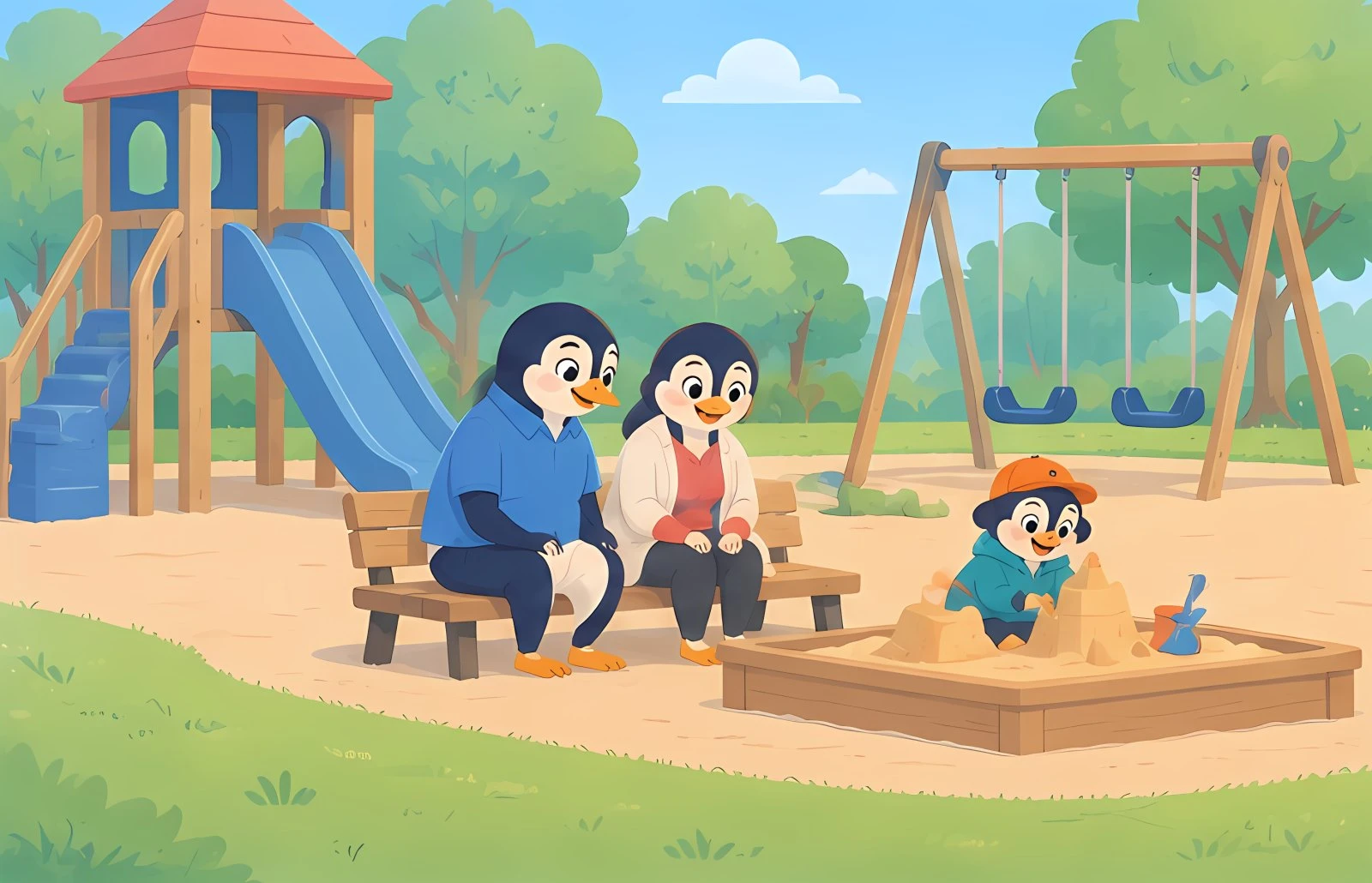
A place of their own
Big buttons, clear pictures and only what is allowed. From gaming and building dens to experiments and songs: your child discovers what they enjoy.
- Own profile and avatar for every child
- Discover only suitable videos
- Works on tablet, phone and TV
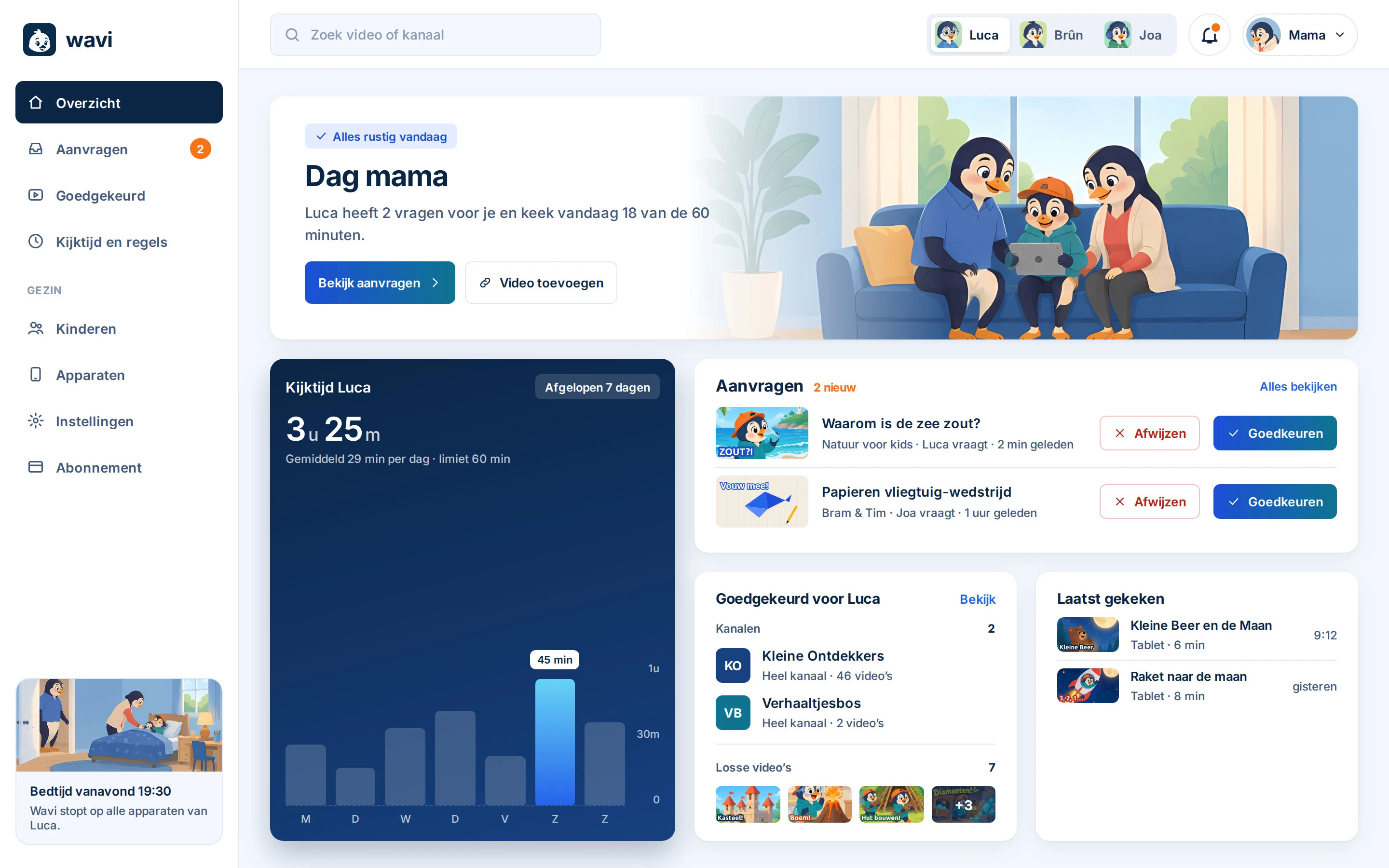
Everything clearly on a big screen
Log in at hellowavi.com to answer requests, manage channels and see every child’s screen time.
Get started in three steps

Create an account
Download Wavi on your own phone and choose how you want to pay. The first 30 days are free.
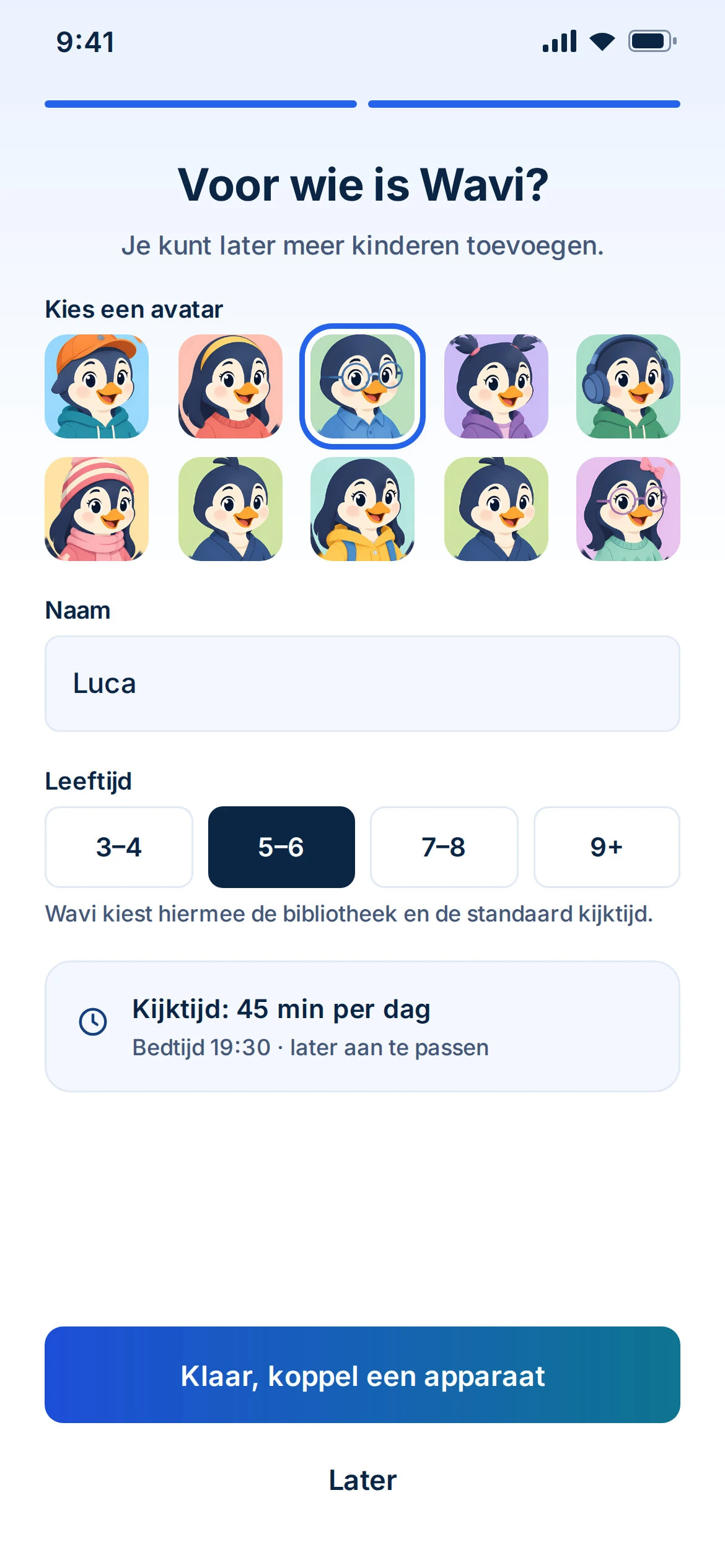
Add your child
Choose a name, an avatar and an age. Wavi sets up screen time for you.
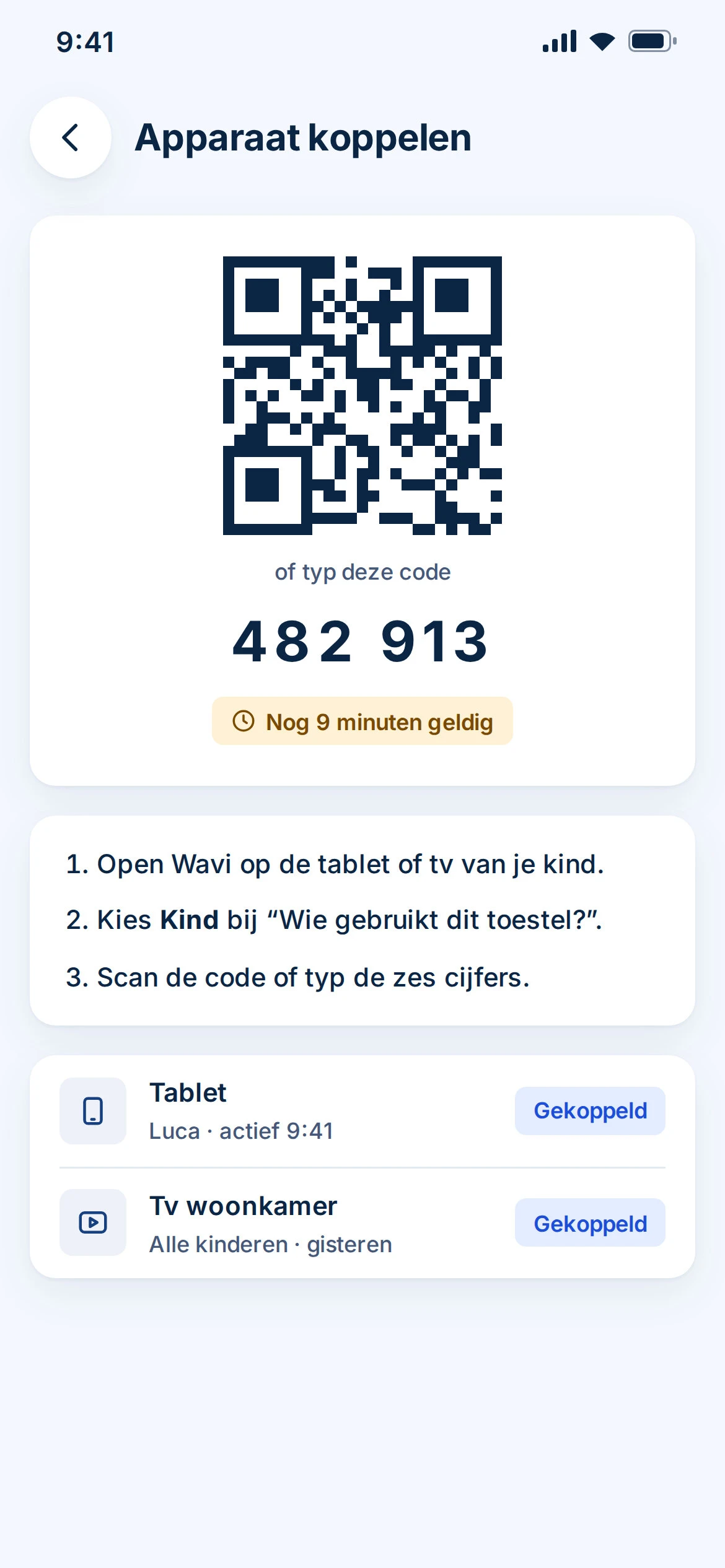
Link the tablet
Open Wavi on your child’s tablet or TV and scan the code. Done.
One subscription for the whole family
Try Wavi free for 30 days. You only pay after that, and you can cancel any time in the app or on the website.
Monthly
Cancel any month.
- Up to 6 children
- All devices
- No ads
- Both parents
Yearly
Most popularThat is €4.08 a month. You save 32%.
- Up to 6 children
- All devices
- No ads
- Both parents
One-off
Yours for good, no subscription.
- Up to 6 children
- All devices
- No ads
- Both parents
Calm at home, even around the tablet
My son now asks whether he can watch something. I approve it from the notification and he doesn’t have to wait.
At bedtime everything stops by itself. No more arguing about one more video.
He still watches gaming videos, but only from channels we picked together.
No ads and nothing that keeps playing. You can really tell from how they are after watching.

Ready for calm screen time?
Download Wavi on your own phone and on your child’s device. The first 30 days are free.
Or use Wavi in your browser